You know your website needs "maintenance," but what does that actually mean? It's one of those services that sounds vague until something breaks — and by then, it's usually too late. If you're paying for a maintenance plan (or deciding whether to), you deserve to know exactly what you're getting.
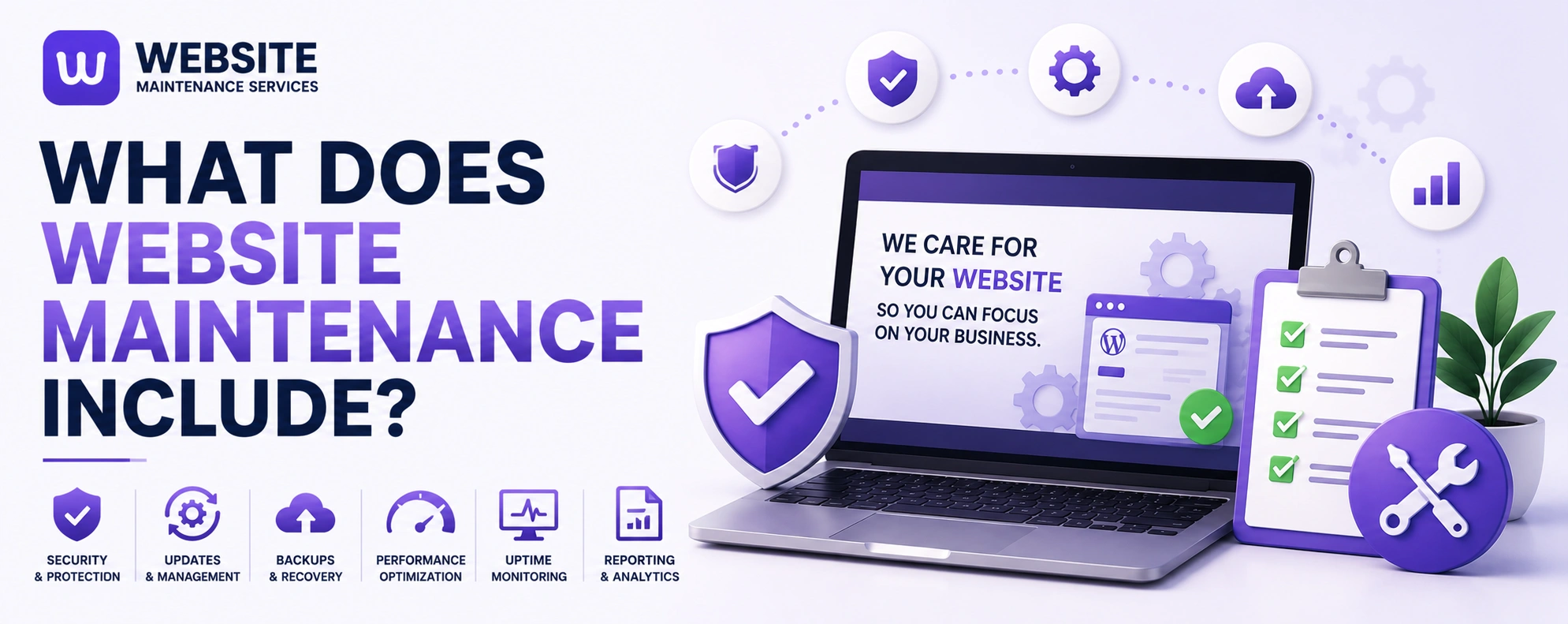
The short answer: Website maintenance is the ongoing process of keeping your site secure, updated, fast, and functional. In practice, it includes software and plugin updates, security monitoring and malware scans, regular backups, performance optimization, uptime monitoring, bug fixes, content updates, and SEO upkeep — performed on a daily, weekly, monthly, and quarterly rhythm.
Below is exactly what's covered, how often each task should happen, and why skipping it costs more than the maintenance itself.
The CoreWhat Website Maintenance Includes: The Core Services
A thorough maintenance service is proactive and systematic — not just "fixing things when they break." Here's what a complete plan covers.
Your site runs on a stack of software — a CMS like WordPress, plus plugins and a theme. Developers constantly release updates that patch security holes, fix bugs, and add features. Skipping them leaves known vulnerabilities open for hackers. Good maintenance applies these updates promptly, and tests them on a staging copy first so an update never breaks your live site in front of real visitors.
Because your site handles traffic and often customer data, security is non-negotiable. This includes regular security scans, malware detection, keeping SSL certificates current, firewall management, and a clear plan for when something does go wrong — because eventually something will.
Automated backups of your files, database, and content on a set schedule, stored in separate off-site storage. This matters more than people realize: a backup stored on the same server as your site is useless if the server itself fails. And a backup you've never tested isn't really a backup — restoration should be tested periodically.
A fast site converts better and ranks higher. Maintenance here means compressing images, minifying CSS and JavaScript, improving server response times, enabling caching, and cleaning up the database — all to keep pages loading quickly and Core Web Vitals healthy.
Continuous monitoring so you know the instant your site goes down — not next week when a customer tells you. Downtime is lost trust and lost revenue, so catching it immediately matters.
Finding and fixing the broken links, malfunctioning forms, browser compatibility issues, and errors that quietly break your site's functionality or frustrate visitors.
Keeping your information accurate and current — updating text, images, products, business hours, and adding new content. Stale content erodes trust and search visibility.
Search engines favor active, well-maintained sites. This includes checking for broken links, updating title tags and meta descriptions, reviewing site-speed reports, and monitoring traffic in analytics. A neglected site slowly falls behind Google's evolving standards, so SEO maintenance is an investment, not just housekeeping.
Transparent monthly reports showing what was updated, what was backed up, security scan results, uptime stats, and performance metrics — so you can actually see the value you're paying for.
CadenceHow Often Each Maintenance Task Should Happen
Website maintenance isn't one job on one schedule — different tasks run at different intervals. Here's a realistic rhythm.
Security monitoring and automated backups. If something goes wrong, you want to know immediately, not next month. Uptime monitoring runs continuously in the background.
Uptime and error-log checks, and confirming nothing has broken since the last round of updates.
Software, plugin, and theme updates (tested on staging first), broken-link checks, performance reviews, and an analytics review to catch any odd trends in traffic or behavior.
A deeper review of SEO performance, content accuracy, and accessibility, plus testing your backup restoration and checking whether the site still matches your business goals.
The general rule: the more your website contributes to revenue, the more often it needs attention. If your site generates enquiries or sales, treating maintenance as an afterthought is a false economy.
ClarificationWebsite Maintenance vs Website Management: What's the Difference?
People use these terms interchangeably, but they're not the same — and knowing the difference saves you from paying for the wrong service.
🛠 Website maintenance
is the technical upkeep: the updates, security, backups, and bug fixes above. It keeps your site running.
📈 Website management
is broader. It includes all the maintenance work but adds the strategic side — SEO, content strategy, conversion rate optimization, and ongoing improvements designed to grow the site, not just keep it ticking over.
The simplest way to think about it: maintenance keeps your site alive; management makes it work harder. Which level you need depends on how central your website is to your business growth.
Why It MattersWhy Website Maintenance Matters (and What Happens Without It)
Think of your website like a car. Buy a high-performance vehicle and never change the oil, and eventually it breaks down — usually at the worst possible moment, right when a valuable lead is about to click "Contact Us."
Without regular maintenance, the decline is quiet but real: performance degrades, security risks accumulate, technical errors multiply, and search rankings slip as the site falls behind Google's standards. The businesses that skip maintenance are the ones calling in a panic when something breaks. The ones that maintain their sites rarely have emergencies at all.
And the math favors maintenance heavily. Calculate what a single hour of downtime costs your business in lost enquiries or sales, or what a security breach that takes your site offline for a day would cost. For most businesses, preventing even one incident pays for months of maintenance.
DIY vs ProShould You Do Website Maintenance Yourself or Hire a Professional?
You have two options, and the right one depends on your skills, time, and how much your site matters to your business.
DIY can work for simple sites if you have the technical comfort and time. Basic backups, content updates, and CMS upgrades can be self-managed with some learning. The downsides: complex issues like broken functionality or security incidents are hard to handle, troubleshooting eats time you could spend on your business, and gaps in knowledge can leave you exposed to vulnerabilities.
Hiring a professional makes sense when your website drives real business, when no one on your team is comfortable with technical upkeep, or when you simply want it handled. A good provider brings expertise, faster emergency response, staging-tested updates, off-site backups, and clear reporting. For most businesses that rely on their site, a comprehensive plan is more cost-effective than dealing with problems ad hoc.
A hybrid model — handling simple content updates in-house while outsourcing the technical work — often gives the best balance.
ChecklistWhat to Look For in a Maintenance Plan
If you're choosing a provider, make sure the plan includes a clear scope and SLA (exactly what's covered, how often, and response times), staging-environment testing for updates, off-site backup storage, and transparent monthly reporting. Vague agreements lead to disputes about what should and shouldn't be covered, so insist on specifics.
No GuessworkKeep Your Site Secure, Fast, and Working — Without the Guesswork
Website maintenance isn't a luxury or an optional line item — it's the ongoing care that protects your rankings, your revenue, and your customers' trust. The question isn't really whether to maintain your site, but whether you want to do it yourself or leave it to people who do it every day.
We handle the whole stack — updates tested on staging, security monitoring, off-site backups, performance and SEO upkeep, and transparent reporting — so your site stays secure and fast while you focus on your business.
Get a free website audit and we'll show you exactly what your site needs to stay healthy, with a clear plan and pricing. No jargon, no surprises.
Get a Free Website Audit · See Our Maintenance Plans · Talk to Our Team
FAQFrequently Asked Questions
What does website maintenance include?
How often should website maintenance be done?
What's the difference between website maintenance and website management?
Do I really need website maintenance?
Can I do website maintenance myself?
What does a WordPress maintenance plan include?
Keep Your Site Secure, Fast & Working
We handle the whole stack — updates tested on staging, security monitoring, off-site backups, performance and SEO upkeep, and transparent reporting — so your site stays secure and fast while you focus on your business.